Immediate
Move in one controlled act
Record stock leaving the source and arriving at the destination together when no transit stage is needed.
Inventory transfer software
KnownStock keeps origin, transit and destination tied to the same transfer instead of editing two warehouse balances.
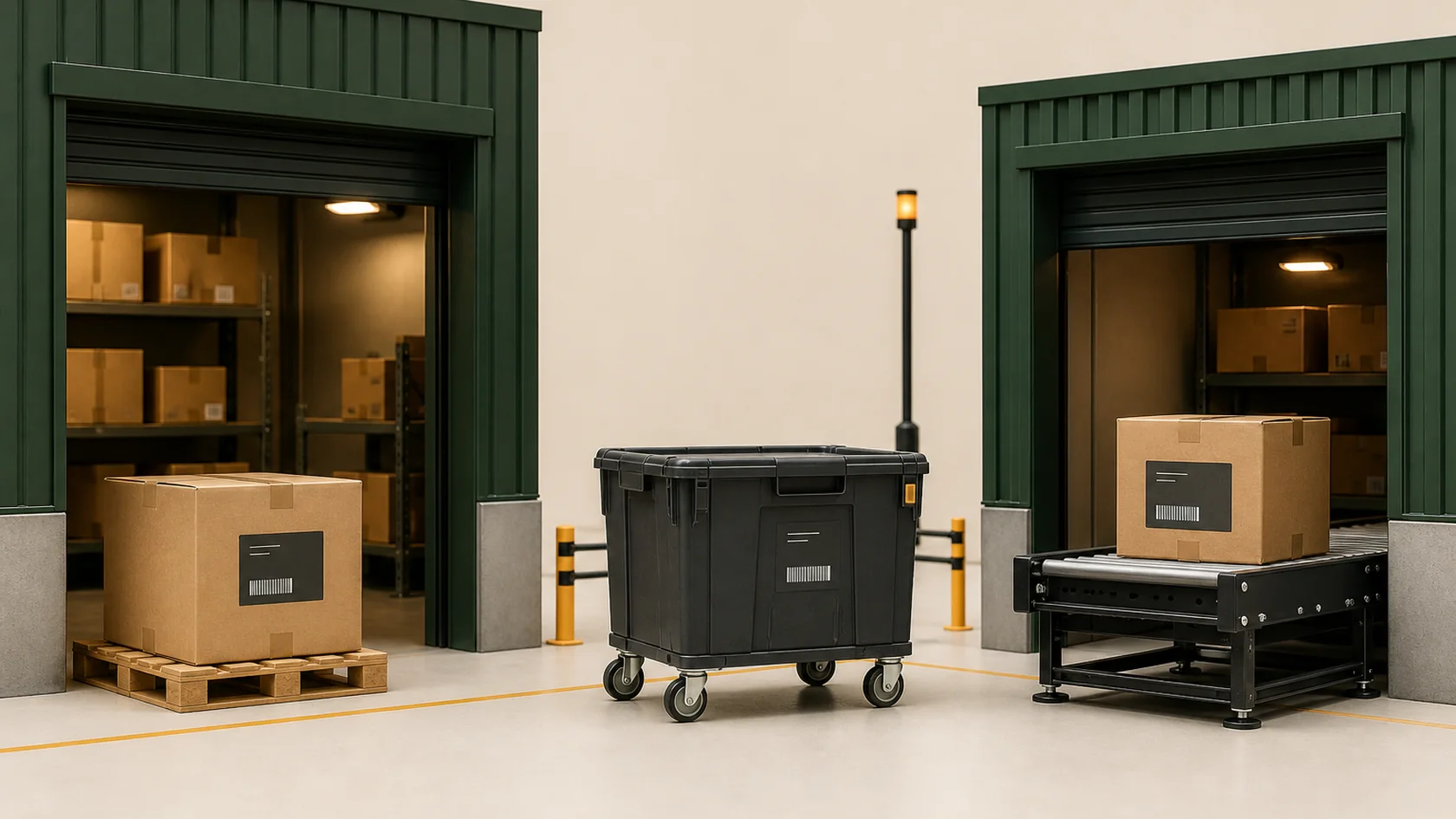
A real product workflow
This example uses fields and states that exist in KnownStock. It is a clear HTML product view, not a fabricated customer screenshot.
The operational problem
A transfer disappears operationally when one location is reduced and another is increased by unrelated edits. Between those moments the team needs to see what was shipped, what remains in transit and which exception still needs a decision.
What improves
KnownStock keeps each quantity and document effect distinct, so a clear screen never hides an important difference.
Immediate
Record stock leaving the source and arriving at the destination together when no transit stage is needed.
Two phase
Keep partial shipment, transit and partial receipt visible.
Exceptions
Receive, return to origin or document transit loss.
How the work flows
Drafts give the team room to prepare and correct the work. When someone confirms it, KnownStock checks the operation and records the appropriate stock or planning change.
A practical adoption path
Begin with one warehouse, one item and one real opening quantity. Add locations, pack sizes, documents and policies only when they solve a current need. Previewed CSV imports reduce setup risk, while authorised exports keep your records portable.
A focused product boundary
KnownStock handles day-to-day inventory operations. Accounting, statutory documents, payments and specialised logistics remain with the systems and people responsible for them.
Ready for a verifiable first movement
Create a workspace without a card, add your first item and warehouse, then follow the practical manual at your own pace.